
01
No watermark
Removes the watermark and the animated logo from the original video, so your file stays clean before you edit or share it.
SSSTikTok is the fastest Android app to save TikTok videos in HD, extract MP3 audio and grab full profiles without watermark. No interrupting ads, no sign-up and no daily limits.
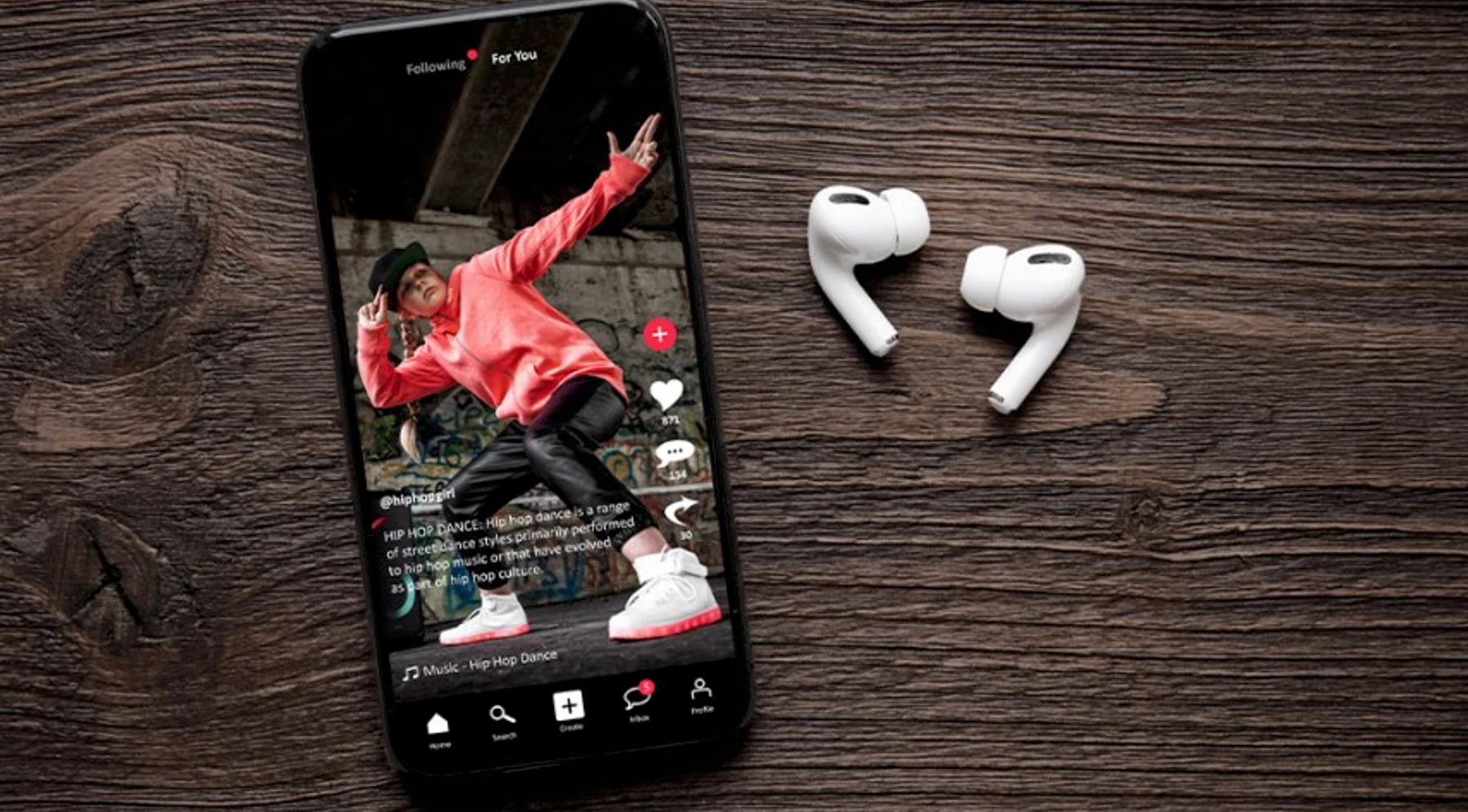
SSSTikTok is a native Android application that turns any TikTok link into an MP4 file ready to save to your gallery. It was built for creators, community managers and anyone who wants to keep a video before it disappears.
Unlike downloader websites, the app never opens a browser: you copy the link, SSSTikTok detects it automatically and shows every available option on one screen, even on a slow connection.
Creators saving clips for their next edit
Six tools designed to make downloading, sorting and reusing videos a matter of seconds.
Removes the watermark and the animated logo from the original video, so your file stays clean before you edit or share it.
Download at the highest resolution available in the original video, or pick a lighter version when you need to save space.
Extract only the audio track to reuse sounds in your own videos, podcasts or edits.
Paste several links or a creator profile and queue up to 20 videos at once, without repeating the process.
The engine uses multiple download threads, so a 30-second video is saved in under three seconds.
The APK is signed and never requests access to your contacts, messages or location. It only needs storage permission.
No accounts, no waiting, no limits. This is how you download a video with SSSTikTok.
Open TikTok, tap Share and choose "Copy link" on the video you want to keep.
Open the app: the link pastes itself and you will see the available download options.
Tap Download and the video is in your gallery, without a watermark and in original quality.
Practical notes on how downloaders actually work, why a TikTok link sometimes fails, and how to check an APK before installing it on Android.
 Basics
What a TikTok video downloader does, how it turns a public link into a saved file, what affects the quality you get, and how to use downloaded videos responsibly.
 Troubleshooting
Nine times out of ten the problem is not the downloader. Here are the real reasons a TikTok link fails, and what to try before you give up on the app.
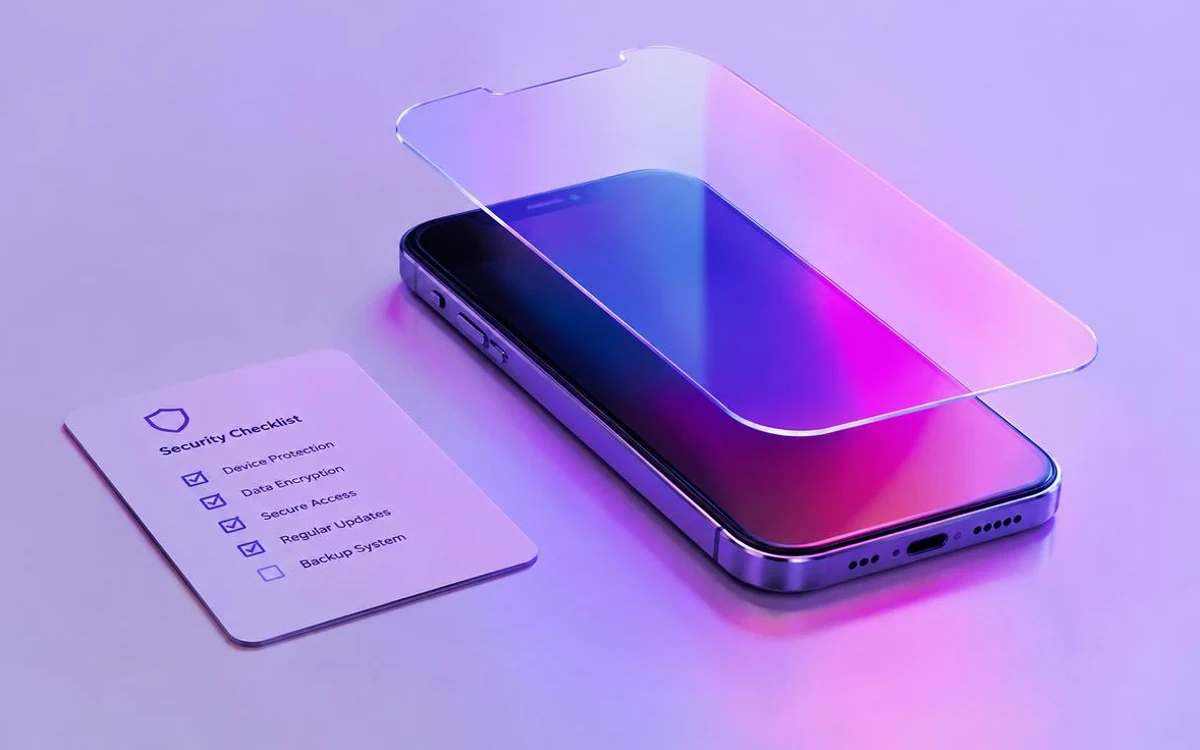 Safety
An APK is just an installer — but “just an installer” can still be dangerous. This is the checklist we would use ourselves before installing any downloader.
The most common questions from people installing SSSTikTok for the first time.
See all download questionsSSSTikTok is a TikTok video downloader, and the SSSTikTok APK is the Android app version of it. Instead of opening a browser every time, you install the ssstiktok app once and paste TikTok links straight into it. This site provides the SSSTikTok APK download along with version details, so you know what you’re installing.
Open TikTok, tap Share on the video you want, and copy the link. Then paste it into SSSTikTok and tap Download. The saved file is the version without the TikTok watermark, and you can usually pick the quality before saving.
Yes, the SSSTikTok app is free to download and use, and you don’t need to create an account.
It depends on the video. Saving your own videos, or videos you have permission to download, is fine.
The website works in any browser with no install, while the SSSTikTok APK is an Android app you keep on your phone. The app is quicker for repeat use because you can paste links straight in, instead of reloading a web page each time. If you’re on iPhone, there is no APK, so the website is the option to use.
Download the APK and save your first video in under a minute. No sign-up, no watermark and no daily limits.
Free · Android 6.0+ · 17.8 MB